My Work Schedule1.4.2
Publisher Description
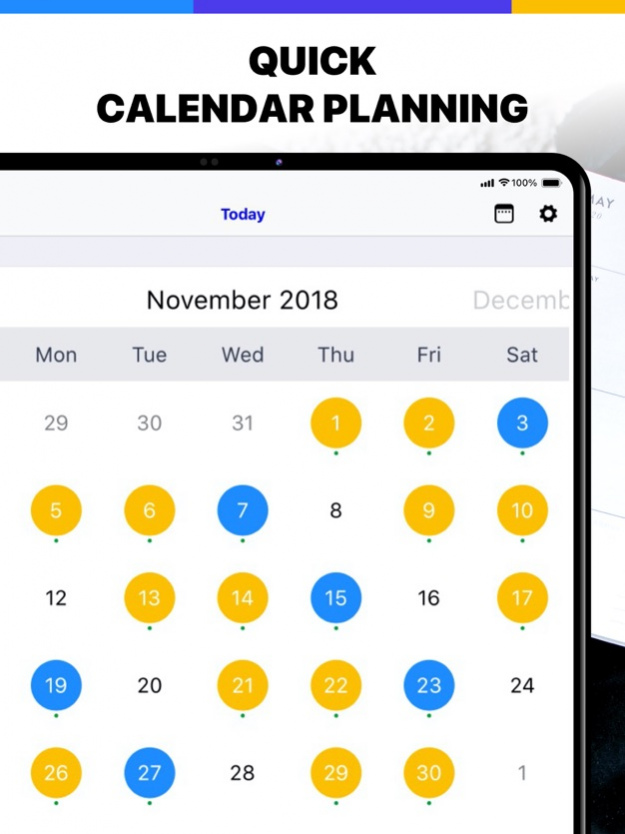

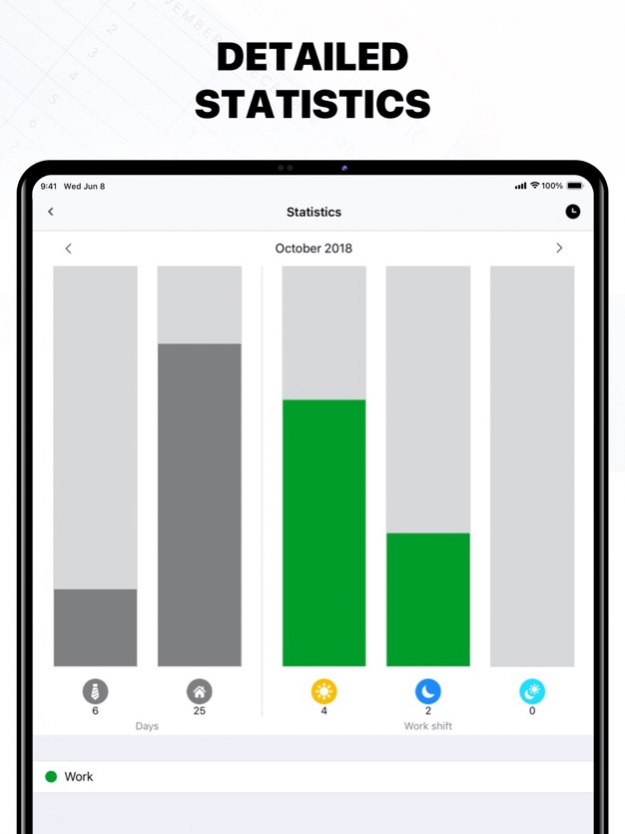
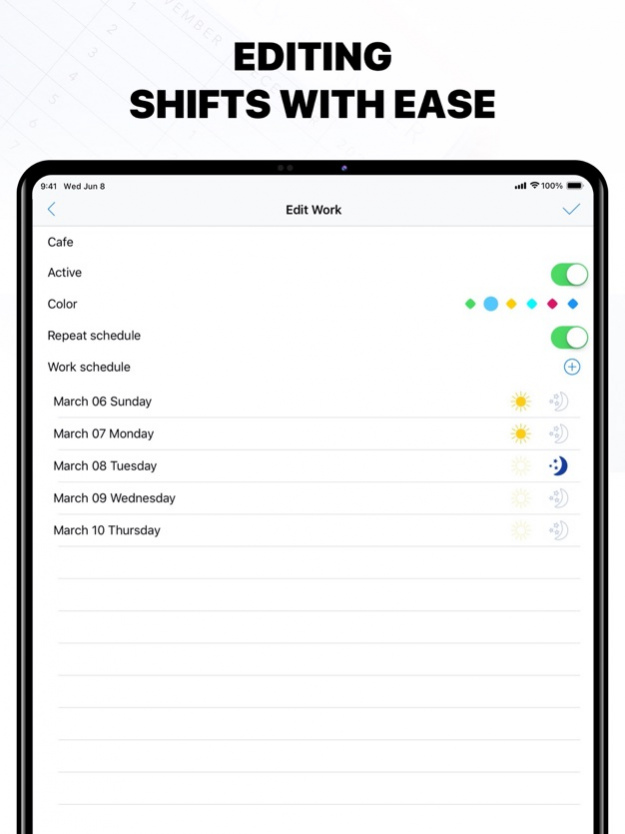
An effective time-management tool that keeps all your scheduling data in one spot so that you can control your working activity.
USER-FRIENDLY INTERFACE
- Create and delete your works;
- Set repeating schedules;
- Table with the list of works;
- List of works for the chosen month;
- View the work and its comments for today
KEEP EVERYTHING UNDER CONTROL
- Edit your work schedule;
- View statistics for the chosen period;
- Set statuses and colors for special activity;
- Calendar displays the working days: day, night, daily.
APPLE WACH SUPPORT
- Scroll the calendar using Digital Crown;
- View information about the workdays;
- Add notes using voice input.
Manage your work shifts easily with My Work Schedule!
http://newtech-ltd.com/privacy
http://newtech-ltd.com/tos
Jun 3, 2021 Version 1.4.2
In this new version we have:
• fixed commonly reported bugs
• made general improvements to make your experience better
We love your feedback so keep it coming!
About My Work Schedule
The company that develops My Work Schedule is New Technologies. The latest version released by its developer is 1.4.2.
To install My Work Schedule on your iOS device, just click the green Continue To App button above to start the installation process. The app is listed on our website since 2021-06-03 and was downloaded 5 times. We have already checked if the download link is safe, however for your own protection we recommend that you scan the downloaded app with your antivirus. Your antivirus may detect the My Work Schedule as malware if the download link is broken.
How to install My Work Schedule on your iOS device:
- Click on the Continue To App button on our website. This will redirect you to the App Store.
- Once the My Work Schedule is shown in the iTunes listing of your iOS device, you can start its download and installation. Tap on the GET button to the right of the app to start downloading it.
- If you are not logged-in the iOS appstore app, you'll be prompted for your your Apple ID and/or password.
- After My Work Schedule is downloaded, you'll see an INSTALL button to the right. Tap on it to start the actual installation of the iOS app.
- Once installation is finished you can tap on the OPEN button to start it. Its icon will also be added to your device home screen.
Program Details
System requirements
Download information
Pricing
Version History
version 1.4.2
posted on 2021-06-03
Jun 3, 2021 Version 1.4.2
In this new version we have:
• fixed commonly reported bugs
• made general improvements to make your experience better
We love your feedback so keep it coming!
version 1.4.1
posted on 2021-03-24
23 mars 2021 Version 1.4.1
Thank you for using the app! We fixed bugs and made some improvements to enhance your experience with the application.
version 1.4.1
posted on 2021-03-23
Mar 23, 2021 Version 1.4.1
Thank you for using the app! We fixed bugs and made some improvements to enhance your experience with the application.
version 1.4.0
posted on 2020-10-14
14 Oct 2020 Version 1.4.0
We really appreciate all your feedbacks and to make them better we made some changes:
• We have found and fixed some bugs of previous versions
• We have improved the stability and performance
version 1.4.0
posted on 2020-10-14
Oct 14, 2020 Version 1.4.0
We really appreciate all your feedbacks and to make them better we made some changes:
• We have found and fixed some bugs of previous versions
• We have improved the stability and performance
version 1.3.2
posted on 2019-06-13
13 Jun 2019 Version 1.3.2
Bugs, bugs, bugs. Do you hear it? With that update, there are fewer bugs (we think that there are none of them, but… you know :)
Not only bugs were fixed, also:
- The functionality was extended;
- Minor changes in the interface were made.
version 1.3.2
posted on 2019-06-13
Jun 13, 2019 Version 1.3.2
Bugs, bugs, bugs. Do you hear it? With that update, there are fewer bugs (we think that there are none of them, but… you know :)
Not only bugs were fixed, also:
- The functionality was extended;
- Minor changes in the interface were made.
version 1.1
posted on 2016-03-23
version 1.3.2
posted on 1970-01-01
13 giu 2019 Version 1.3.2
Bugs, bugs, bugs. Do you hear it? With that update, there are fewer bugs (we think that there are none of them, but… you know :)
Not only bugs were fixed, also:
- The functionality was extended;
- Minor changes in the interface were made.
version 1.3.2
posted on 1970-01-01
2019年6月13日 Version 1.3.2
Bugs, bugs, bugs. Do you hear it? With that update, there are fewer bugs (we think that there are none of them, but… you know :)
Not only bugs were fixed, also:
- The functionality was extended;
- Minor changes in the interface were made.
